
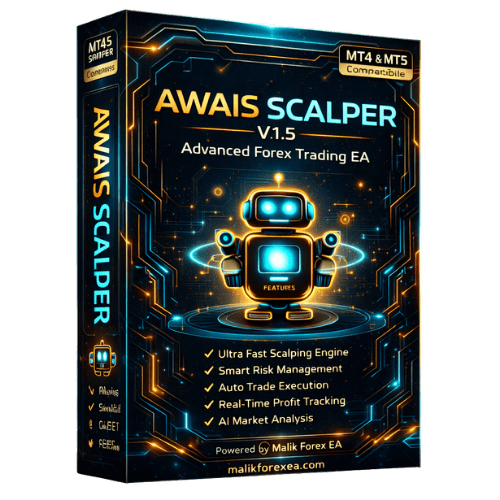
Awais Scalper V1.5 EA – Smart & Fast Forex Scalping System
Awais Scalper V1.5 EA is a powerful automated trading system designed for traders who want fast execution, controlled risk, and consistent scalping performance. Built with advanced logic, this EA focuses on capturing short-term opportunities in the forex market with precision.
What is Awais Scalper V1.5 EA?
Awais Scalper V1.5 is a fully automated Expert Advisor that scans the market in real time and executes trades based on structured scalping strategies. It removes emotional trading and ensures disciplined entries and exits.
The system is optimized for high-speed trading environments, making it suitable for traders who prefer quick profits from small market movements.
Core Scalping Strategy
This EA is designed to identify high-probability setups instead of random entries. It focuses on:
- Accurate entry timing
- Quick trade execution
- Short trade duration
- Controlled exposure
The strategy ensures trades are opened only when conditions meet its internal logic.
Key Features
- Fully Automated Trading
- Ultra-Fast Scalping Engine
- Smart Entry & Exit Logic
- Real-Time Market Monitoring
- Stable Performance Optimization
Risk & Money Management
Awais Scalper V1.5 EA includes built-in safety features to protect your account:
- Adjustable lot size
- Stop loss & take profit control
- Drawdown management
- Controlled trade frequency
This helps maintain balance between profit and risk.
Performance Approach
This EA is built for precision, not overtrading.
Instead of opening too many trades, it focuses on:
- Quality setups
- Clean execution
- Consistent results over time
Platform Compatibility
- Works on MT4 & MT5
- Supports both Demo & Live Accounts
- Easy installation and setup
Best Use Conditions
For best performance:
- Use low spread broker
- Ensure fast execution speed
- Prefer VPS for stable connection
Technical Details
- Type: Expert Advisor (EA)
- Version: V1.5
- Trading Style: Scalping
- Execution: Fully Automated
- Platforms: MT4 / MT5
Installation Guide
Steps:
- Open MetaTrader
- Click File → Open Data Folder
- Go to MQL4/MQL5 → Experts
- Paste EA file
- Restart MetaTrader
- Attach EA to chart
- Enable AutoTrading
Reviews
There are no reviews yet.